
Waiting lists
When a class is full, you can join its waiting list. If someone cancels, the first person on the waiting list gets the place and is signed up automatically.
Join a waiting list
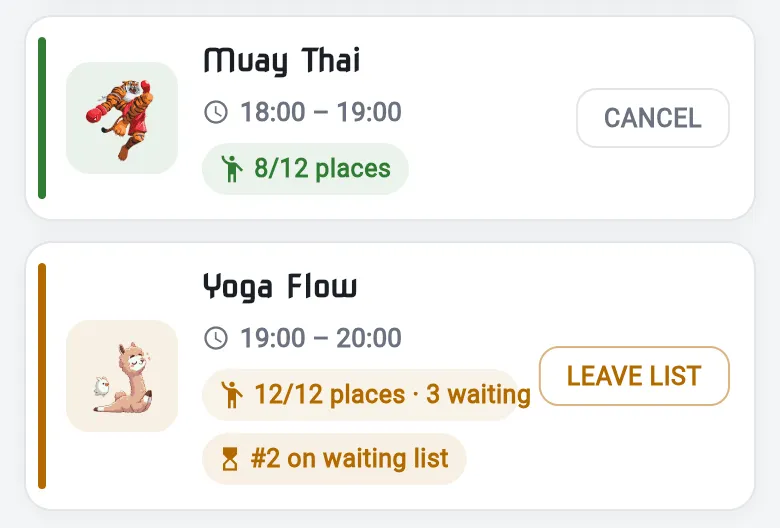
Section titled “Join a waiting list”- On the timetable, find a full class. Its places are shown in orange, for example 12/12 places.
- Tap SIGN UP (or SIGN UP + to pick family members).
- The app asks This class is full. Tap Join waiting list. Tap No thanks to leave it.
The class then shows your place, for example #2 on waiting list.
If a place comes up
Section titled “If a place comes up”You move up the list as people cancel. When you reach the top and a place is free, you’re booked onto the class without doing anything. Check the timetable before you go: the class then shows CANCEL instead of your waiting-list place.
Leave a waiting list
Section titled “Leave a waiting list”Tap LEAVE LIST on the class.
See who’s waiting
Section titled “See who’s waiting”Tap the sign-ups icon on the class. Class Attendance shows the WAITING LIST below the people signed up.