
Children and family
If your children or other family members train at the gym, add them to your profile as Additional Participants. You can then book classes for them from your own app.
Add someone
Section titled “Add someone”- Open User Profile and scroll to Additional Participants.
- Tap + Additional Participants.
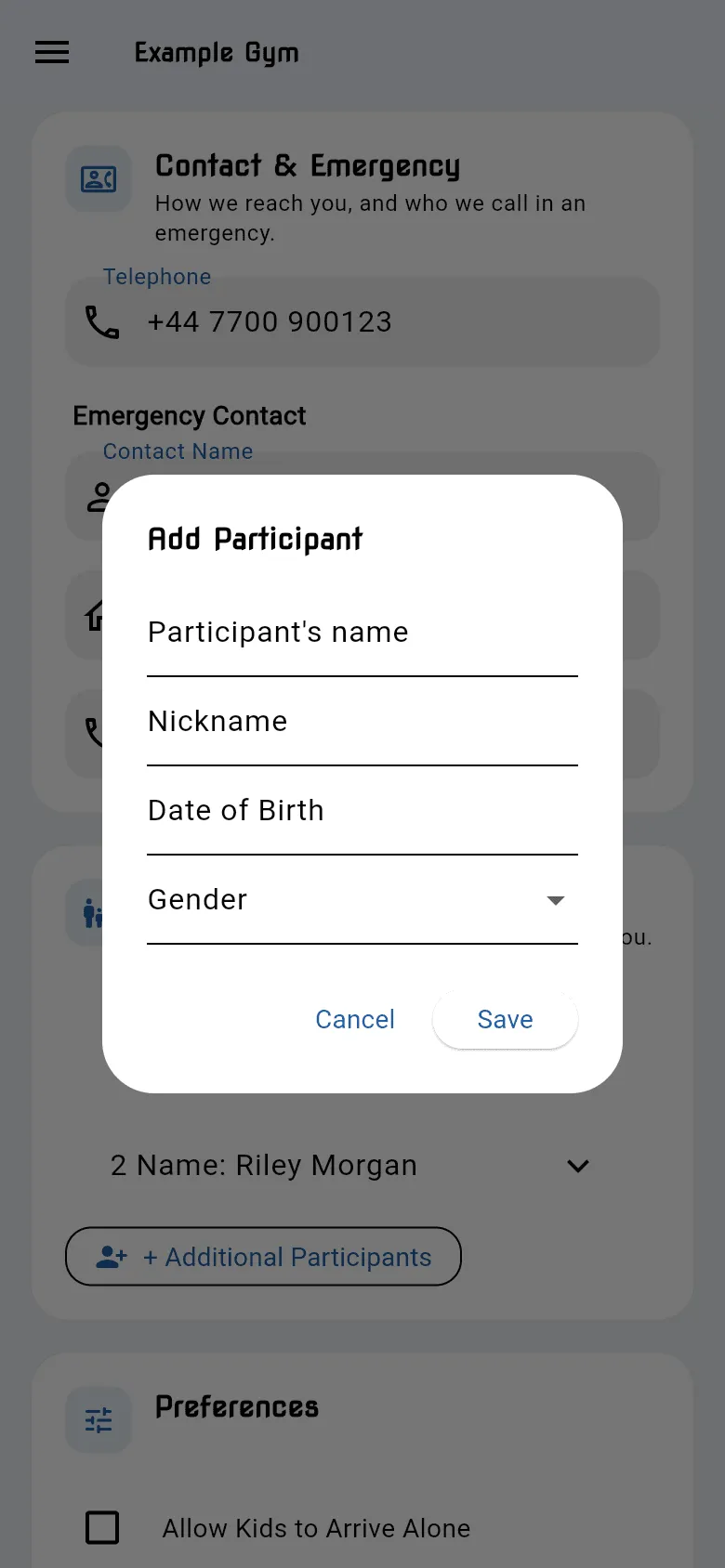
- Fill in their name, nickname, birthday and gender. Participants must be at least 5 years old.
- Tap Save.
- Open their entry and take their photo, so staff can recognise them.
The first time you set up your profile, the app asks whether you want to add anyone. Tap Cancel if you train on your own.
Remove someone
Section titled “Remove someone”Under Additional Participants, open the person and tap the delete (bin) icon.
Book classes for them
Section titled “Book classes for them”Once you’ve added someone, children’s classes on the timetable show SIGN UP + instead of SIGN UP. Tap it and pick who’s coming. See Class timetable.
Letting children arrive alone
Section titled “Letting children arrive alone”If your children may come to class on their own, tick Allow Kids to Arrive Alone under Preferences on your profile, read the form and tap I Agree.