
Settings
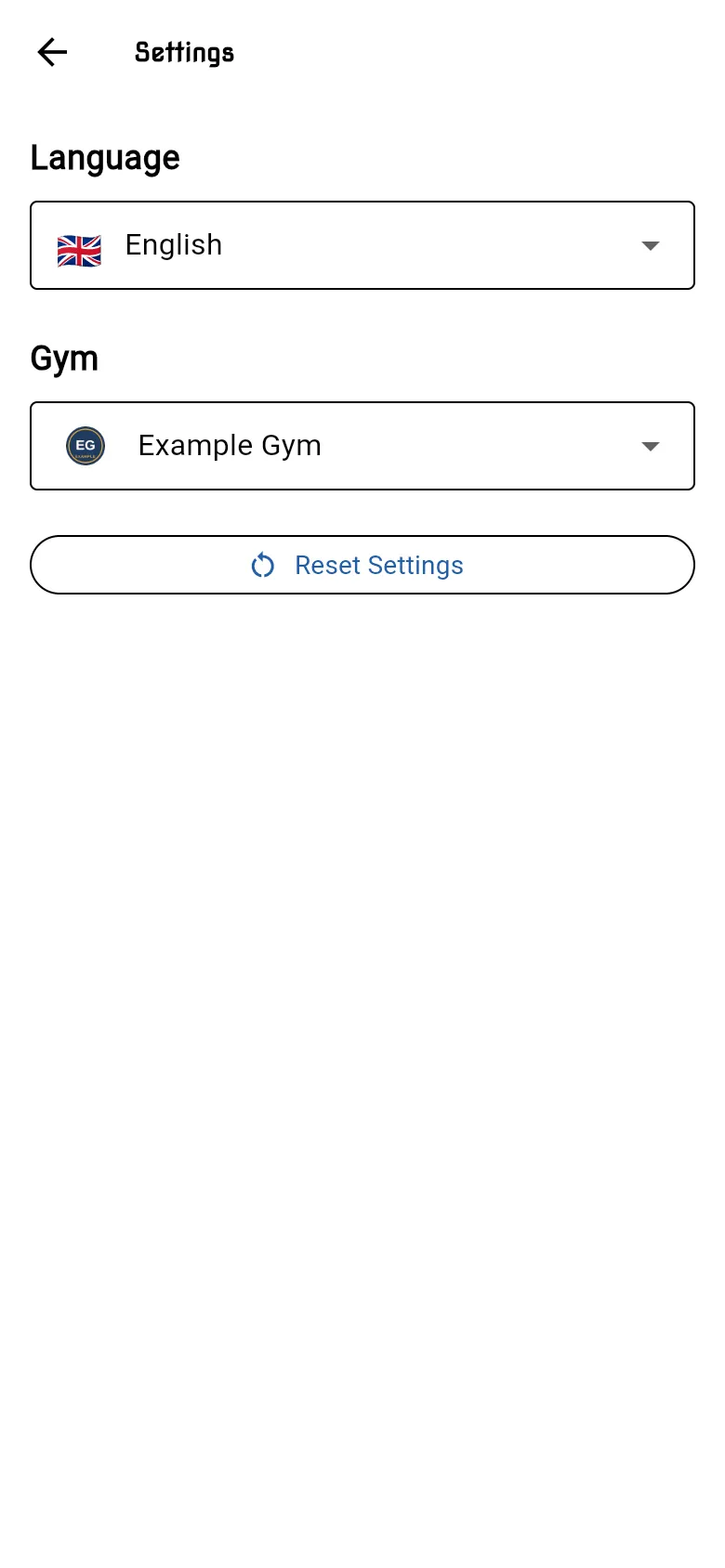
Open the menu and tap Settings.
Language
Section titled “Language”Choose English or 日本語 (Japanese). The app changes language straight away.
Choose the gym you train at. If you train at more than one gym, switch here. The app shows Switching gym and reloads your timetable, membership and the gym’s logo and colours. If the new gym needs more details from you, it opens your profile first.
Reset Settings
Section titled “Reset Settings”Reset Settings clears your language and gym choice. The app asks you to confirm first. The next time you open the app, it asks you to choose them again. It doesn’t log you out or change your profile.
Contact Staff
Section titled “Contact Staff”To get in touch with your gym, open the menu and tap Contact Staff. It opens your gym’s contact page.