
Signing up and logging in
You use one Kakuto account for the members’ app. You can log in with an email and password, or with Apple or Google.
Create an account
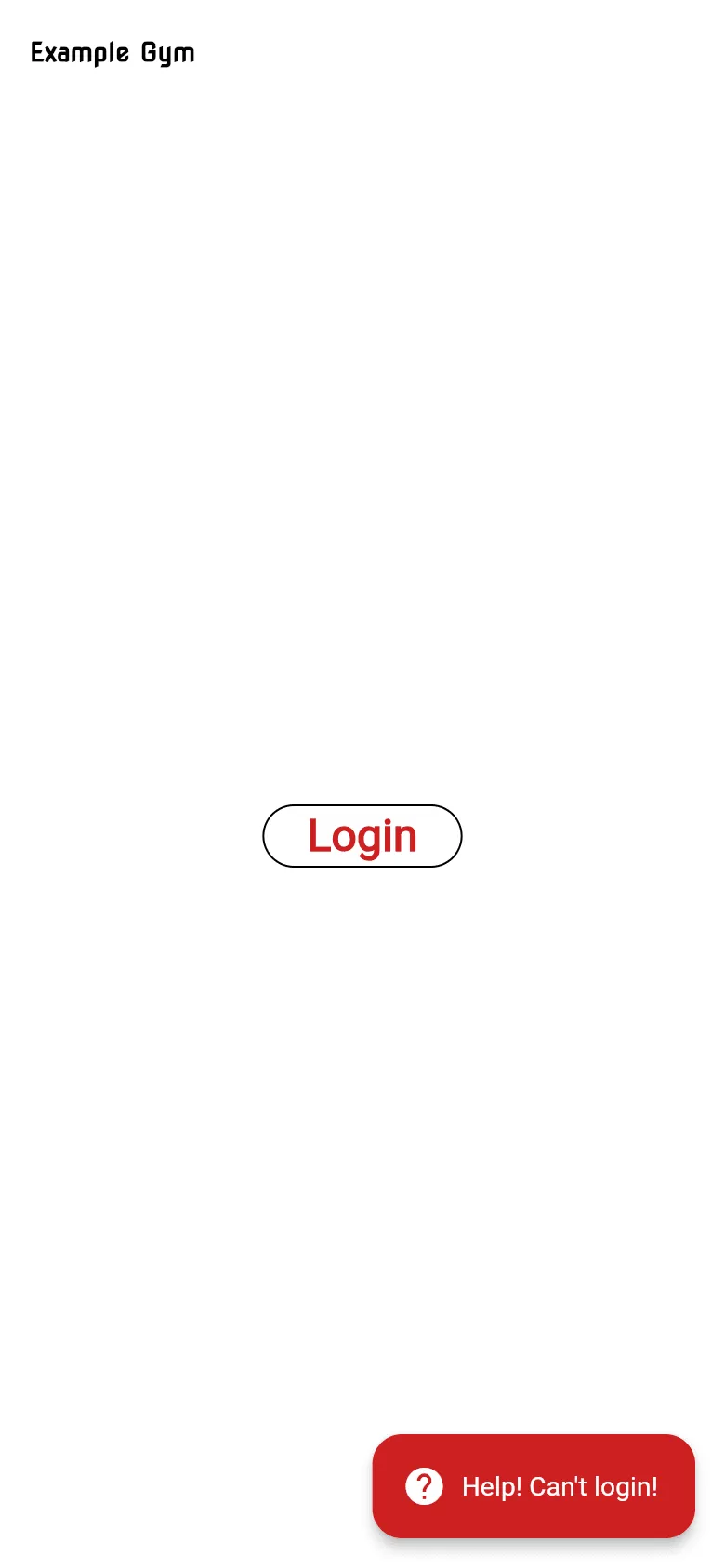
Section titled “Create an account”- Open the app and tap Login.
- On the login page, tap Sign up at the bottom.
- Enter your email address and choose a password, then follow the steps on screen to confirm your email.
- You’re taken back to the app, which asks you to agree to the Participation Agreement and fill in your profile.
Log in with Apple or Google
Section titled “Log in with Apple or Google”If the login page shows Apple or Google buttons, you can use them instead of a password.
Log in
Section titled “Log in”- Tap Login.
- Log in on the login page with the same method you used when you signed up.
The app keeps you logged in on that device. You don’t need to log in every time.
- Phone app: the login page opens in your browser, then sends you back to the app.
- Web: the login page opens in the same browser tab.
If you can’t log in, tap Help! Can’t login! on the login screen, or see Troubleshooting.
Log out
Section titled “Log out”Open the menu and tap Logout. Logging out doesn’t delete anything; log in again any time.
One account, more than one gym
Section titled “One account, more than one gym”If you train at more than one gym that uses Kakuto, you can use the same account at each. Switch gym in Settings. The app reloads your timetable and membership for that gym. If that gym needs more details from you, it opens your profile first.